
Ask your group for the server
Use the same server as the friends you want to play with. This is the most direct action supported by the official notice.
Home / Download / Servers & Accounts
If you are starting with friends, choose the same server first. The official pre-download notice says PC, console, and mobile progress is shared on the same server, while data on different servers is independent.
Unofficial fan-made guide. The exact account-binding, guest-profile, transfer, and full cross-progression flows are not confirmed here and are not presented as facts.
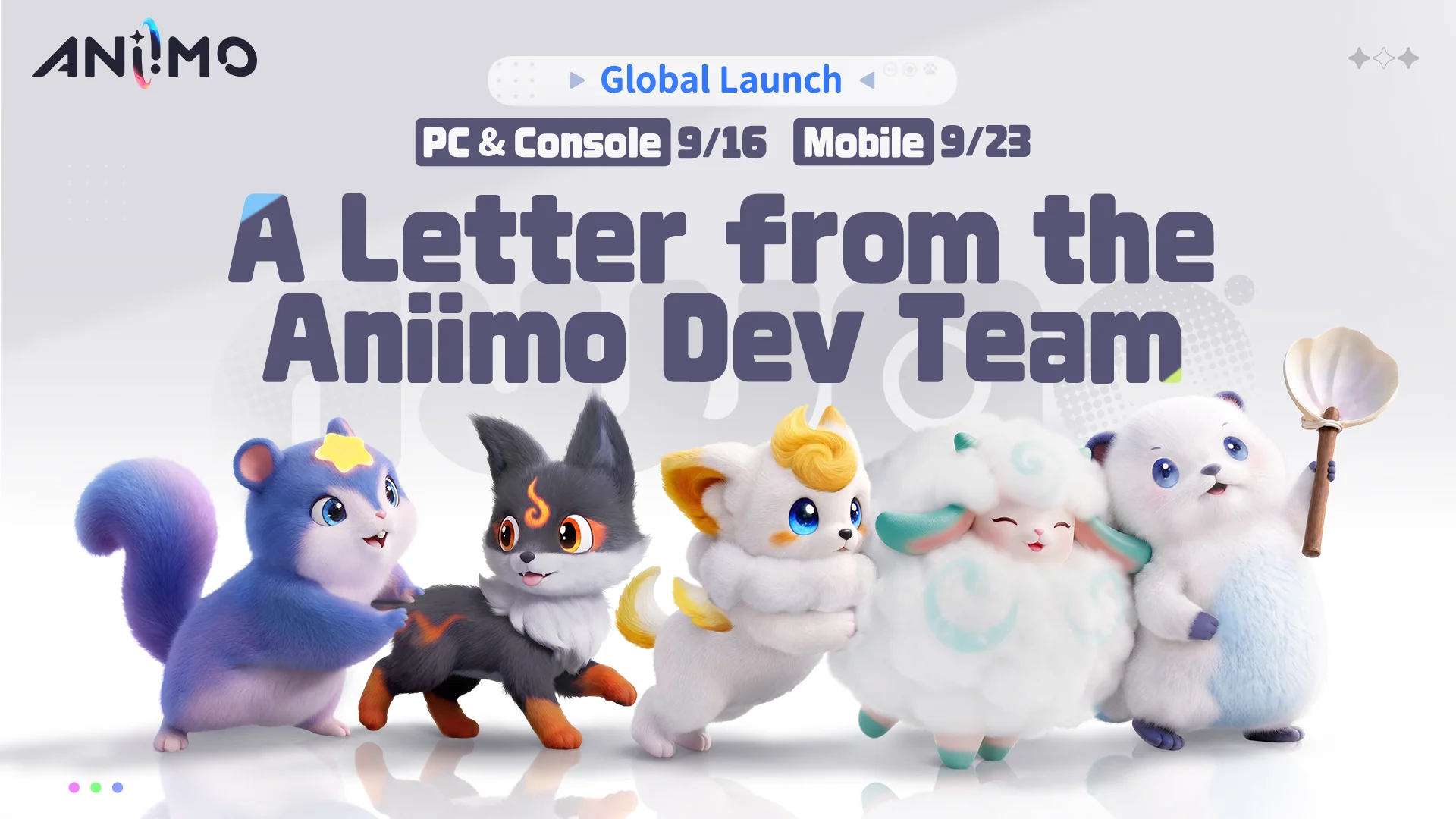
The important distinction is between cross-platform play on one server and data separation across different servers.
| Situation | What the current official notice supports | Player decision |
|---|---|---|
| PC + console + mobile on the same server | Progress is shared across these platforms on the same server. | Coordinate the server name with friends before starting. |
| Different servers | Data is independent between different servers. | Do not assume a later transfer or merge is available. |
| Account linking | The approved fact set does not define the full Steam, email, console, or guest flow. | Recheck official account guidance before changing devices. |
| Complete cross-progression | Same-server sharing is confirmed; a broader transfer model is not confirmed here. | Use the narrow confirmed rule instead of assuming every save can move everywhere. |
The server choice is a coordination step, not a promise about every account feature. Keep the confirmed and unconfirmed parts separate.
Use the same server as the friends you want to play with. This is the most direct action supported by the official notice.
PC, console, and mobile can share progress on the same server according to the current notice. That does not document every sign-in or account step.
Transfer between servers, friend matching, guest merging, and full account-binding behavior are not confirmed in the current approved evidence.

Use these checks before creating progress that you may want to access with friends or on another device.
Ask your group which server they will use, then select that same server if you want the confirmed shared-progress behavior.
Install through an authorized platform path and keep the current official notice available for rule changes.
Review safe download paths →Because transfer and account-merging details are not confirmed here, do not assume a server or guest profile can be moved later.
These answers separate the confirmed same-server rule from account details that still need an official update.
The official pre-download notice says progress is shared across PC, console, and mobile when they use the same server.
No broad sharing is established. The same notice says data on different servers is independent, and this guide does not confirm a transfer process.
No. The exact Steam, email, console, guest-profile, and account-merging flows are not confirmed in the approved fact set.
The player answer comes first; these links support the current platform and server boundary.
Related: release dates and platforms →
The pre-download notice supports same-server shared progress, different-server data independence, and platform path context.
Official pre-download notice ↗The Steam page lists cross-platform multiplayer as a store feature; it does not replace the narrower server rule above.
Open Steam listing ↗Use the official source for any later account, transfer, or server-policy update. This guide has no hands-on account test.
Official Aniimo website ↗